
How booking works
Search and compare trips on advenr.com before you choose an operator.
Checkout, seat selection, and payment happen on each operator’s storefront — powered by Advenr.
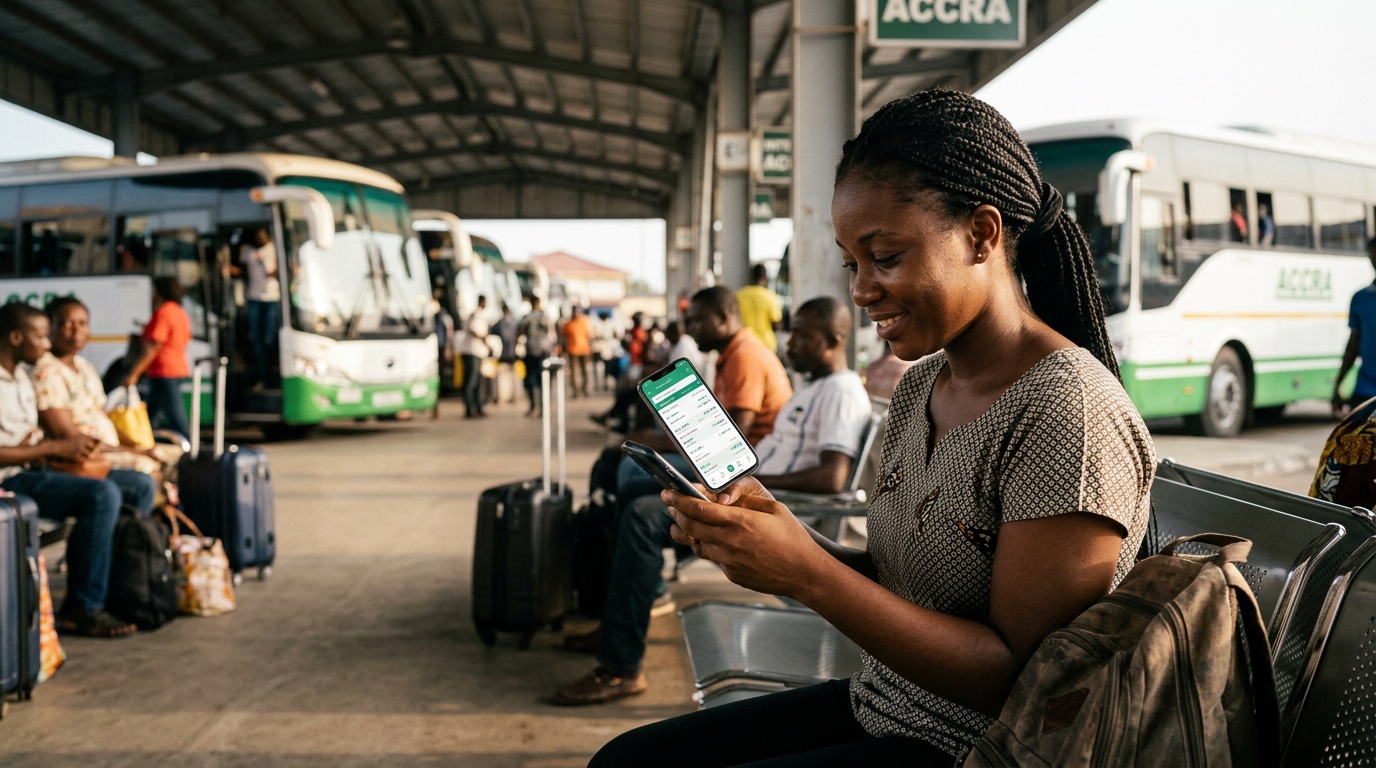
Finding a trip
Enter origin, destination, travel date, and passengers on this page or go straight to results. Advenr shows trips from multiple operators so you can compare times and prices before you commit.
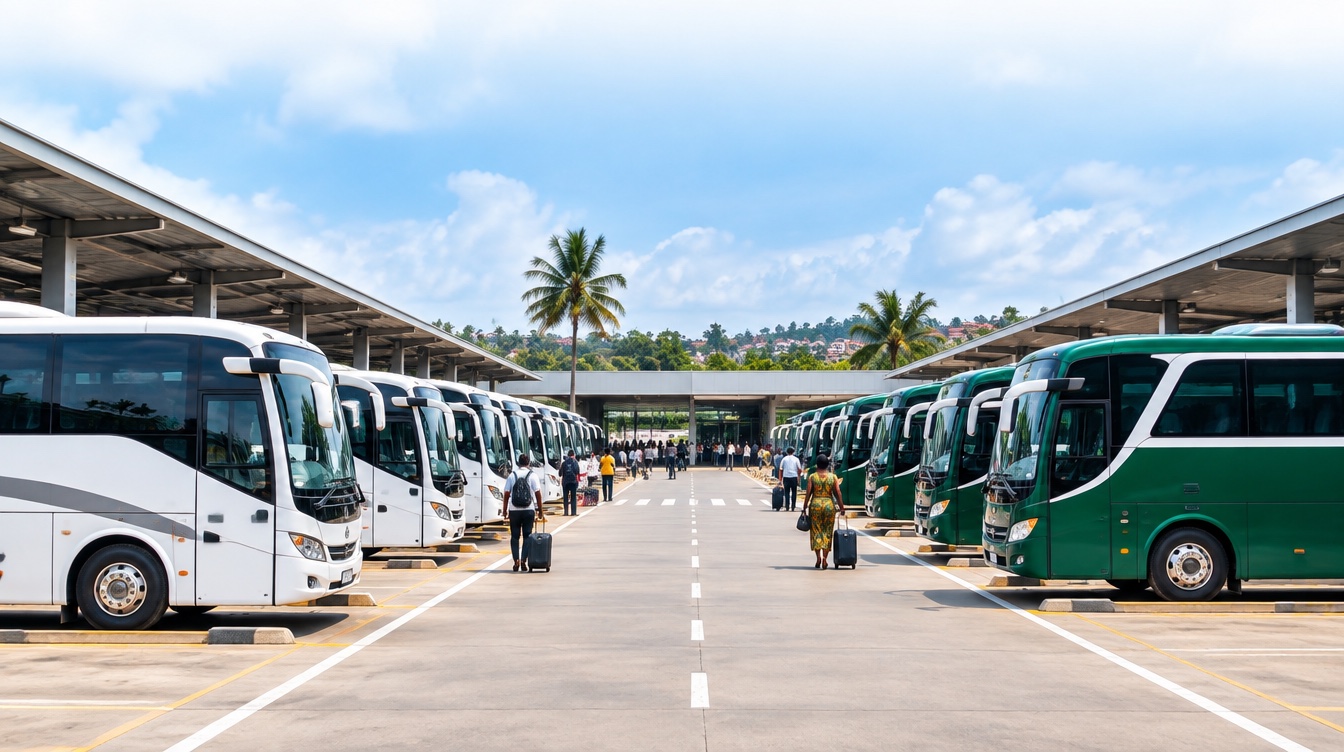
Compare on advenr.com
Use search results to filter by departure window, price, operator, and seat availability. When you pick a trip, you continue on that operator’s storefront — the same inventory Advenr powers everywhere.
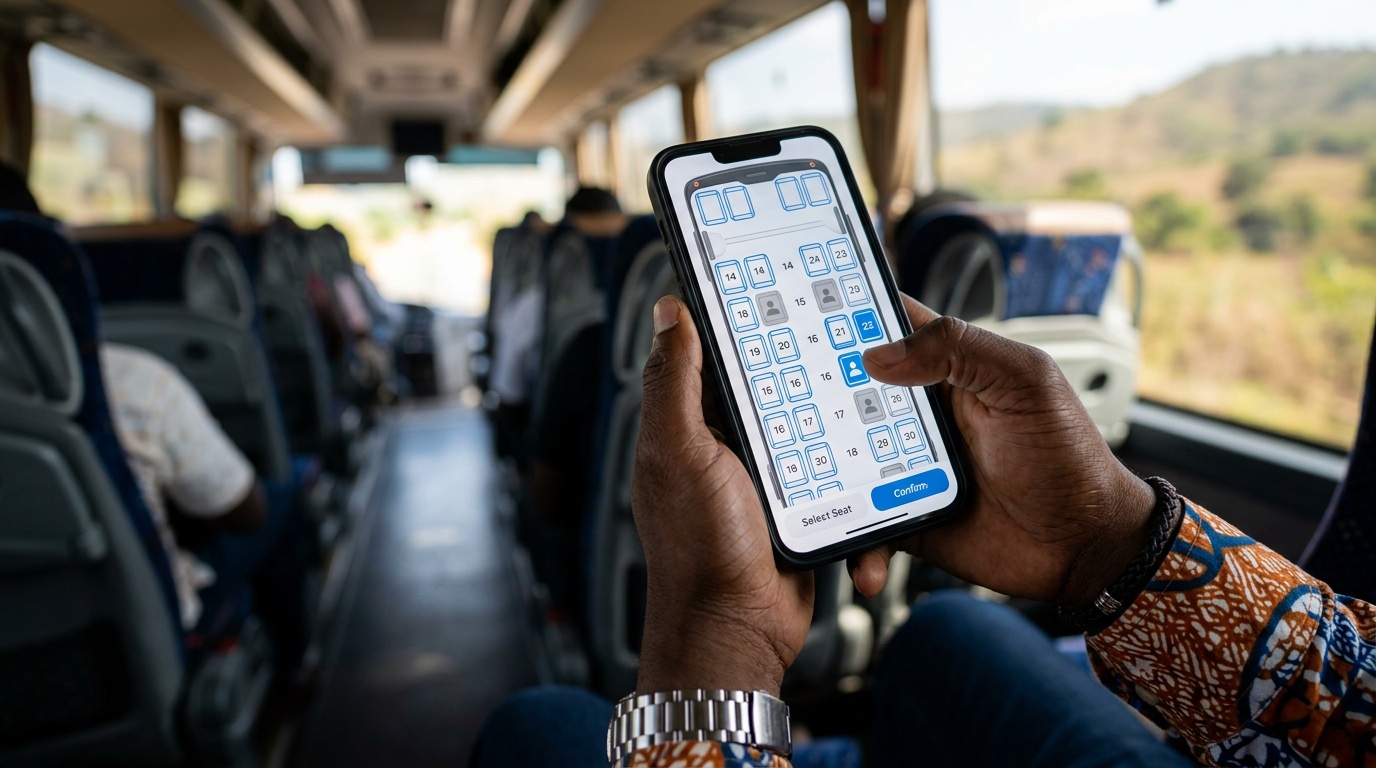
Selecting a seat
On the storefront, choose your seats from a live map when the operator enables seat selection. You always see what is available before you pay.
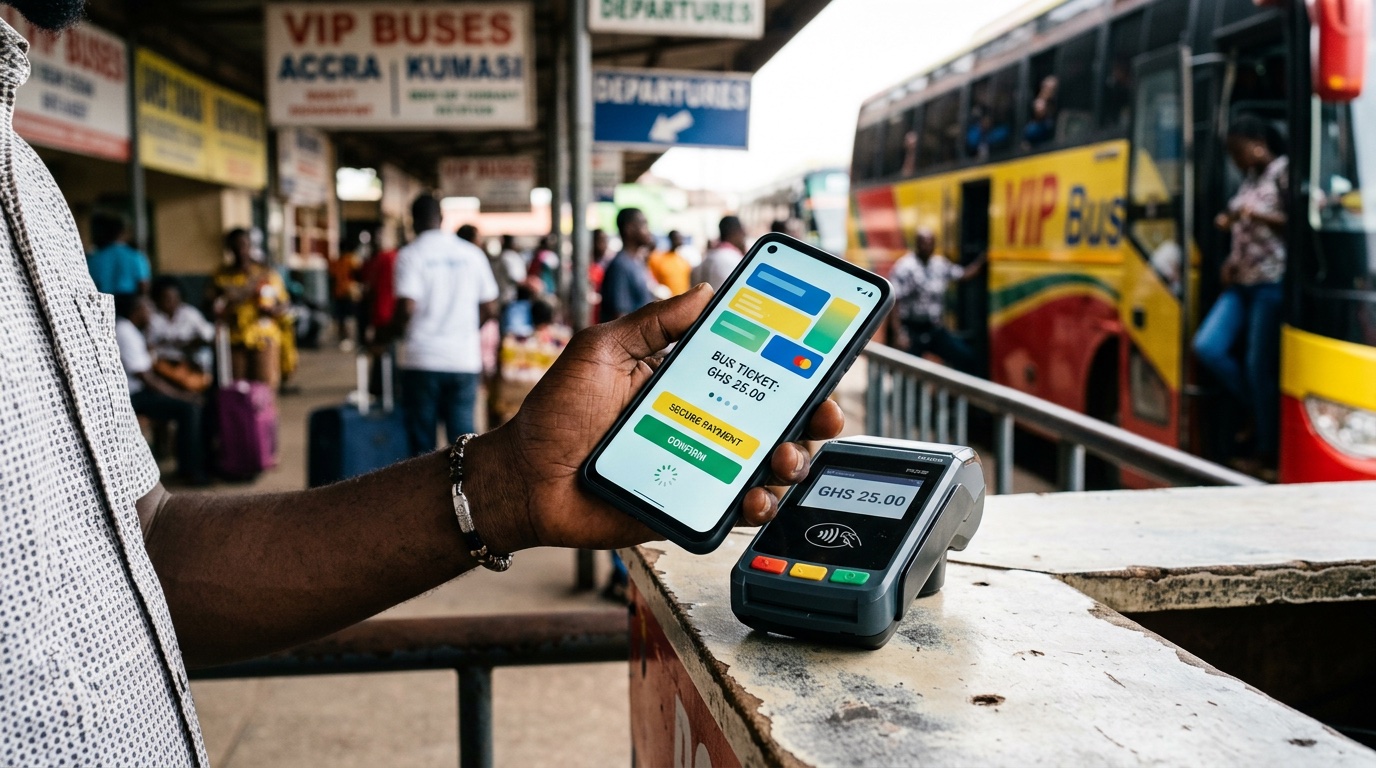
Payment
Pay in Ghana cedis through secure online checkout where the operator has payments enabled. Your total is shown before confirmation — no surprise fees at the last step.
Start finding trips on Advenr
Search by route and date to compare operators, then continue on a storefront to choose seats and pay.

Ticket & confirmation
After payment you receive a booking reference and digital ticket. Keep your contact details accurate so operators can reach you about schedule changes.
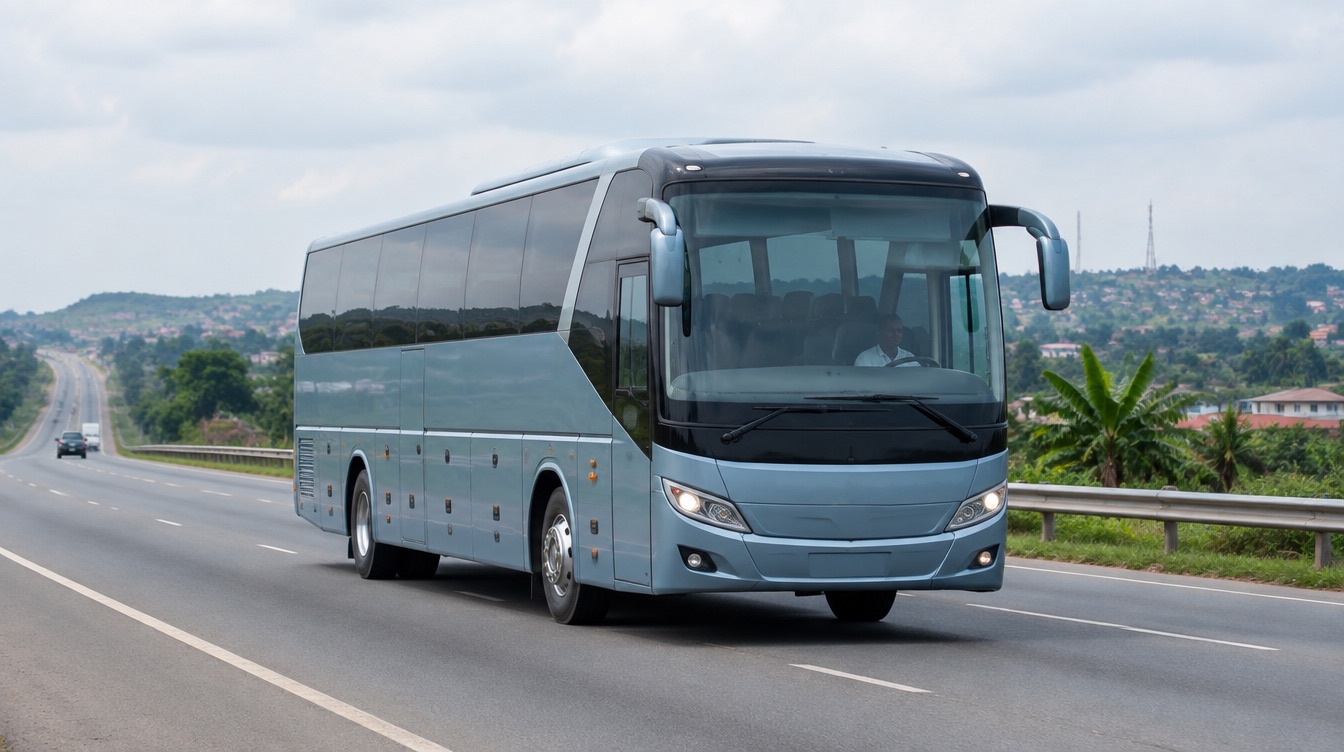
Boarding
Arrive at the terminal with your ticket and ID. Present your QR code or reference at check-in or boarding as instructed on the ticket.

Managing a booking
Use your Advenr customer account to check status, retrieve your ticket, or request changes where the operator’s policy allows cancellations or modifications.
From search to boarding
Search
Choose route, date, and passengers on advenr.com.
Compare
Review departures, operators, and prices on search results.
Book
Continue on the operator storefront for seats and checkout.
Travel
Board with your digital ticket and reference number.
Common questions
- Discovery and comparison happen on advenr.com. Checkout, seat selection, and payment run on each operator’s storefront at {VendorSlug}.advenr.app — powered by Advenr but branded for the operator.